-
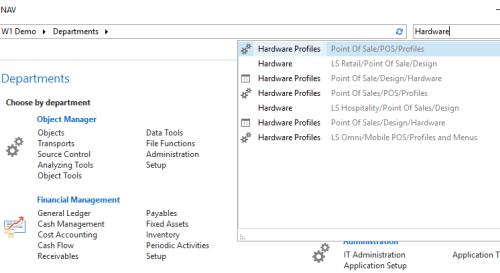
Open the Hardware Profiles list, and select a relevant profile to edit. You can use the search to find Hardware Profiles:
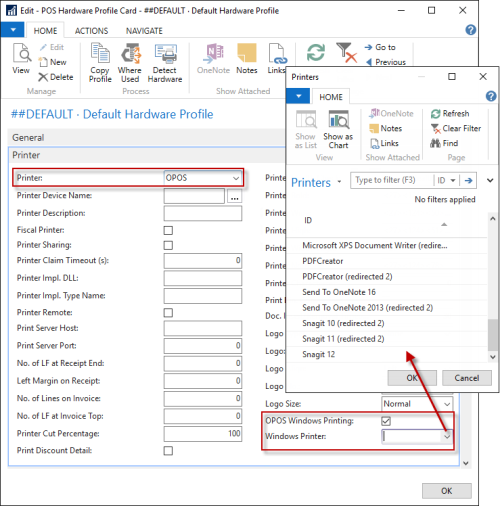
- Open the Printer FastTab in the Hardware Profile card.
- Select OPOS in the Printer field.
- Select the OPOS Windows Printing field.
-
Click the assist button in the Windows Printer field, and select a printer from the list.